
Form builder
Ask exactly what you need — nothing more.
Custom fields, conditional show-if logic, required fields and ready-made templates on every lead form; answers land in the lead and the CRM.
- Text, choice, date, file and consent fields
- Show-if rules per field
- Templates pushed to all pages on Team
Available on:FreeProTeams
Create your free page 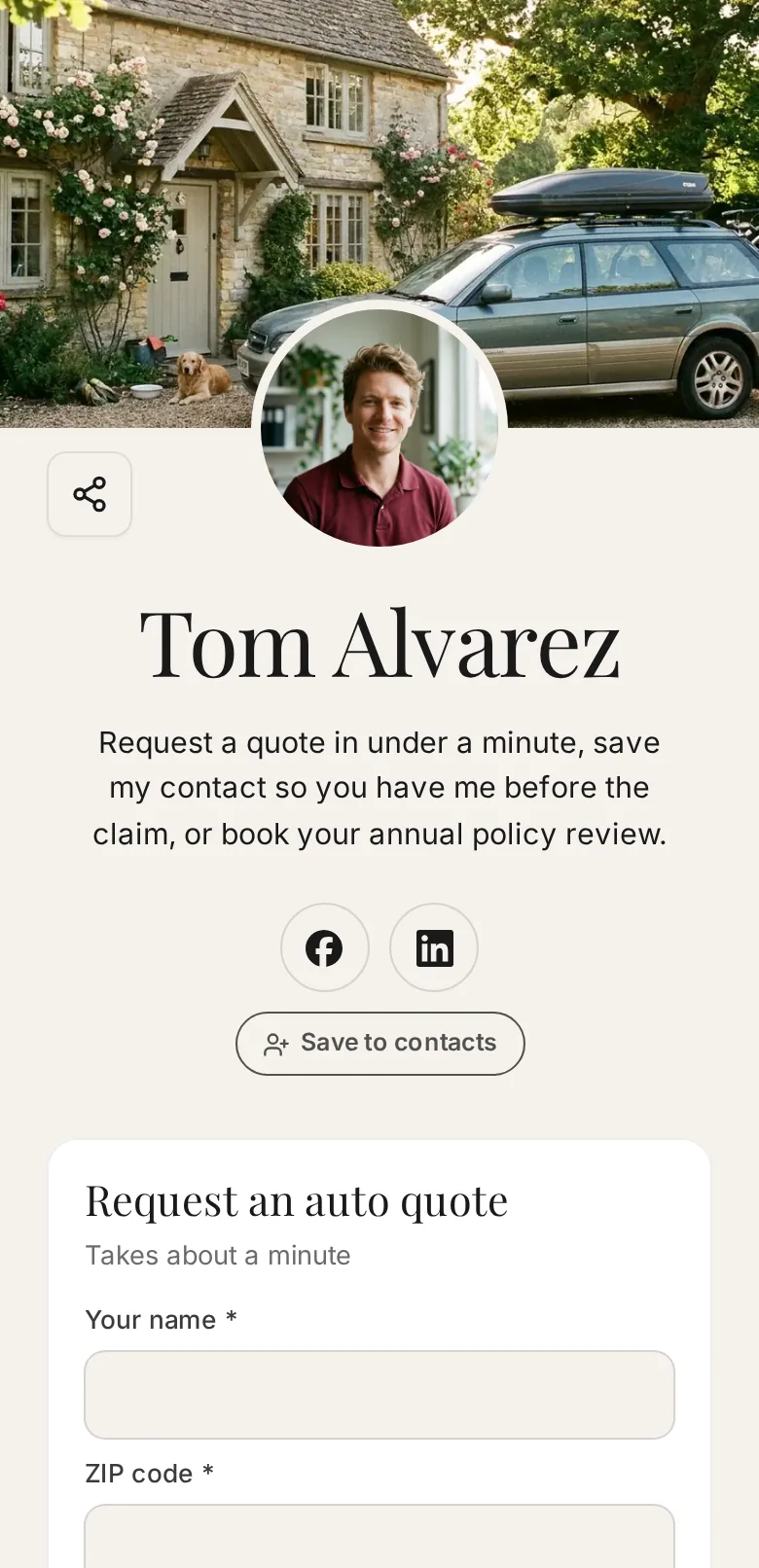
How it's built
Pick the questions, add show-if logic, watch the form update live.
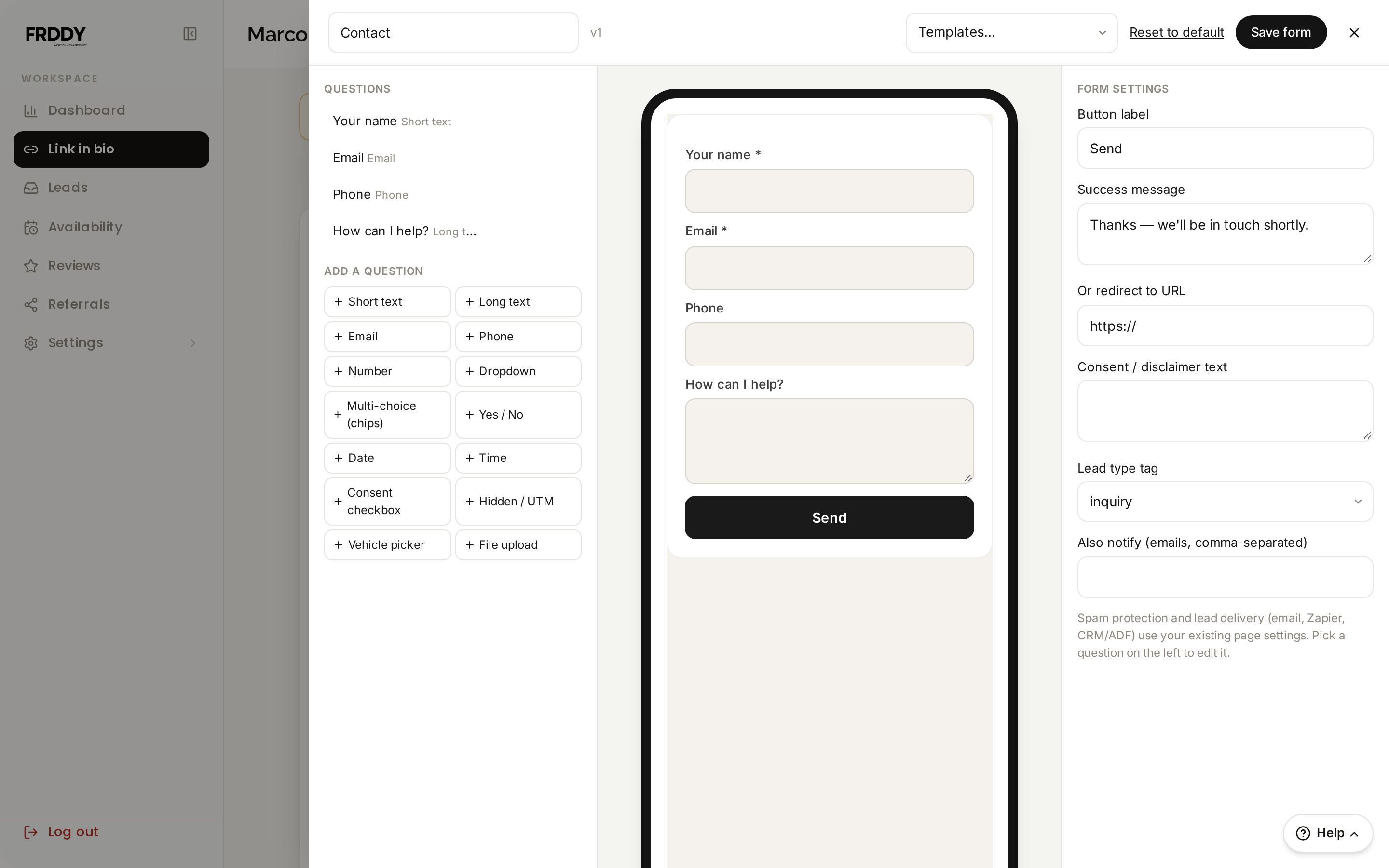
- 1Add any question type — text, dropdown, chips, date, vehicle picker, consent, file upload
- 2Show a question only when an earlier answer matches (show-if), mark it required
- 3Button label, success message or redirect, lead tag and extra notify emails — saved as a version
Sound familiar?
What people without form builder put up with today.
Fixed forms ask the wrong things
Name/email/message doesn't qualify anyone.
Long forms kill conversion
Every question shows to everyone.
How it works
Three steps. No developer.
- 1
Pick a template or start blank
- 2
Add fields and show-if rules
- 3
Answers land on the lead and in the CRM
What you get
Form builder, in detail.
Text, choice, date, file and consent fieldsCustom fields, show-if, templates — included with form builder.
Show-if rules per fieldCustom fields, show-if, templates — included with form builder.
Templates pushed to all pages on TeamCustom fields, show-if, templates — included with form builder.
4,000+
pages live
Pro
plan
14 days
free trial of Pro
Who uses it
Built for people who sell with their name.
Questions about form builder
Which plan includes form builder?
Pro and above — try it free for 14 days.
Does it work with my CRM?
Leads deliver by ADF/XML email, Zapier or webhook with source and UTM attached.
Can my team use it?
Team plans apply it across every member page from one brand kit.
Works with
Try form builder on your page.
Free to build. Publish with Pro — 14 days free.
Get started free